
A branch switch and access point refresh is not technically hard. What makes it risky is that a branch is somebody's working day — a bank counter, a warehouse dispatch desk, a clinic reception. The network going down for twenty unplanned minutes costs more than the hardware did.
The sequence below is what our field teams follow on multi-site rollouts. It is deliberately conservative: it assumes you will not get a second window, and that the person on site may not be technical.
1. Survey the site before you order anything
A remote bill of materials built from an asset register is usually wrong. Cabinets have accumulated undocumented devices — a printer server, a CCTV NVR, a biometric controller someone patched in three years ago. Go and look.
What the survey needs to produce:
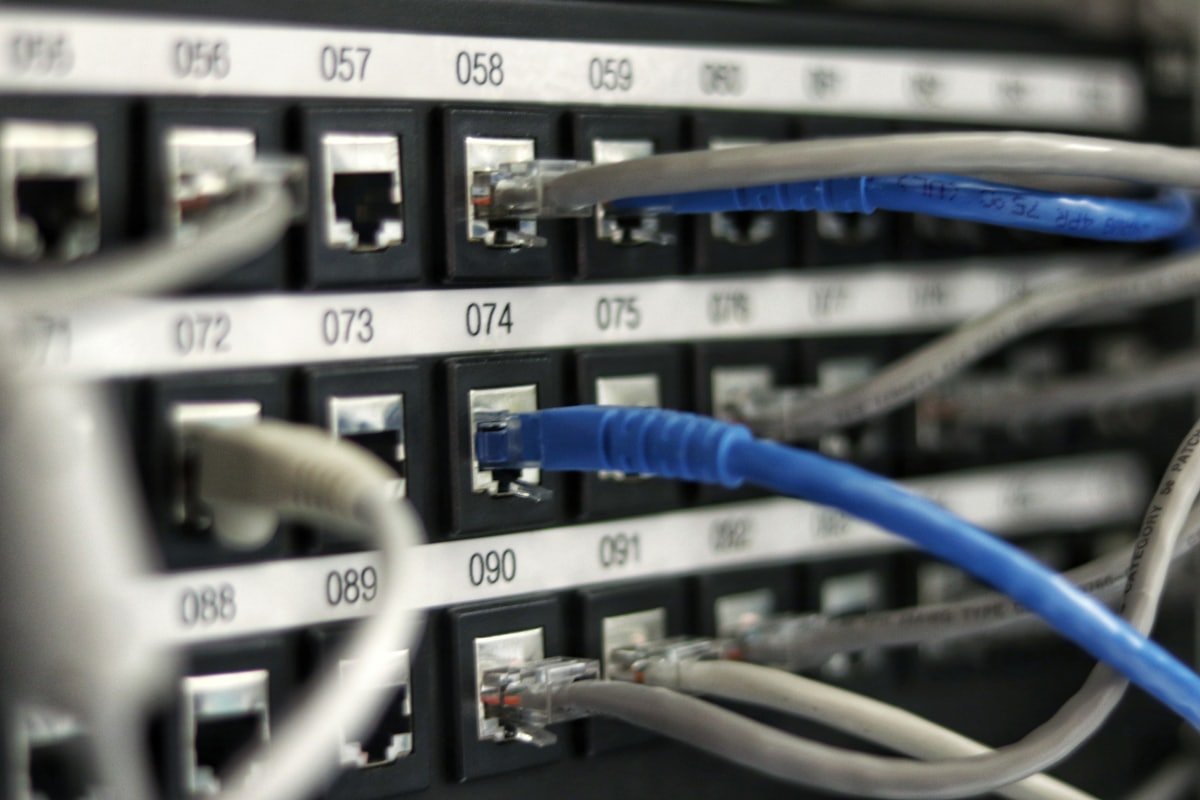
- A port map: what is plugged into which switch port, and what it does
- Power: available sockets, UPS capacity, and whether the new switch needs more PoE budget than the old one
- Uplink details: the ISP handoff, the circuit ID, and who to call when it drops
- Physical constraints — rack units free, cable slack, whether the cabinet door actually closes
PoE budget is the one that bites most often. Replacing a 24-port switch with a newer model that has a smaller PoE budget will silently drop your access points or cameras under load, days after the engineer has left.
2. Stage and configure off-site
Configure every device in the office, not in the branch. Give it the final hostname, the final VLANs, the final management IP. Then power it off and ship it.
This single change is the biggest reducer of cutover time we have measured. An engineer arriving with pre-configured kit is doing a physical swap. An engineer arriving with factory-default kit is doing a deployment, in a cupboard, under time pressure, with someone asking when the tills will work.
If a device has to be configured on site, the window is no longer a swap window. Price it, and schedule it, as a deployment.
3. Write the rollback before the cutover
The rollback plan is not "put the old switch back". It is a specific, ordered list that a tired engineer can follow without thinking:
- Which device comes out of the rack, and where it is placed so it stays reachable
- The exact port-to-port mapping to restore, taken from the survey
- Who authorises the rollback decision, and the time at which it gets made
- Who gets told — branch manager, helpdesk, the customer's IT lead
Set the rollback decision point explicitly. Something like: if the uplink is not up and stable by 05:30, we revert. Deciding this in advance, when nobody is stressed, is what stops a two-hour window becoming a six-hour outage.
4. Cut over in a fixed order
Uplink first, then core switching, then access, then wireless, then the endpoints that matter most to the business. Test after each step rather than at the end — if something is wrong you want to know which step caused it.
Keep the old kit powered and patched but isolated until sign-off. Reverting to a device that is already racked and warm takes minutes. Fetching one from a van takes considerably longer.
5. Close it out properly
Before the engineer leaves the site: updated port map, photographs of the front and rear of the cabinet, serial numbers recorded against the asset register, and a short note of anything found that was not in the original scope. That last one matters — it is where the next project's surprises come from.
A branch that was refreshed properly should be invisible the following morning. If the first thing you hear is from the branch manager, something in the sequence above was skipped.